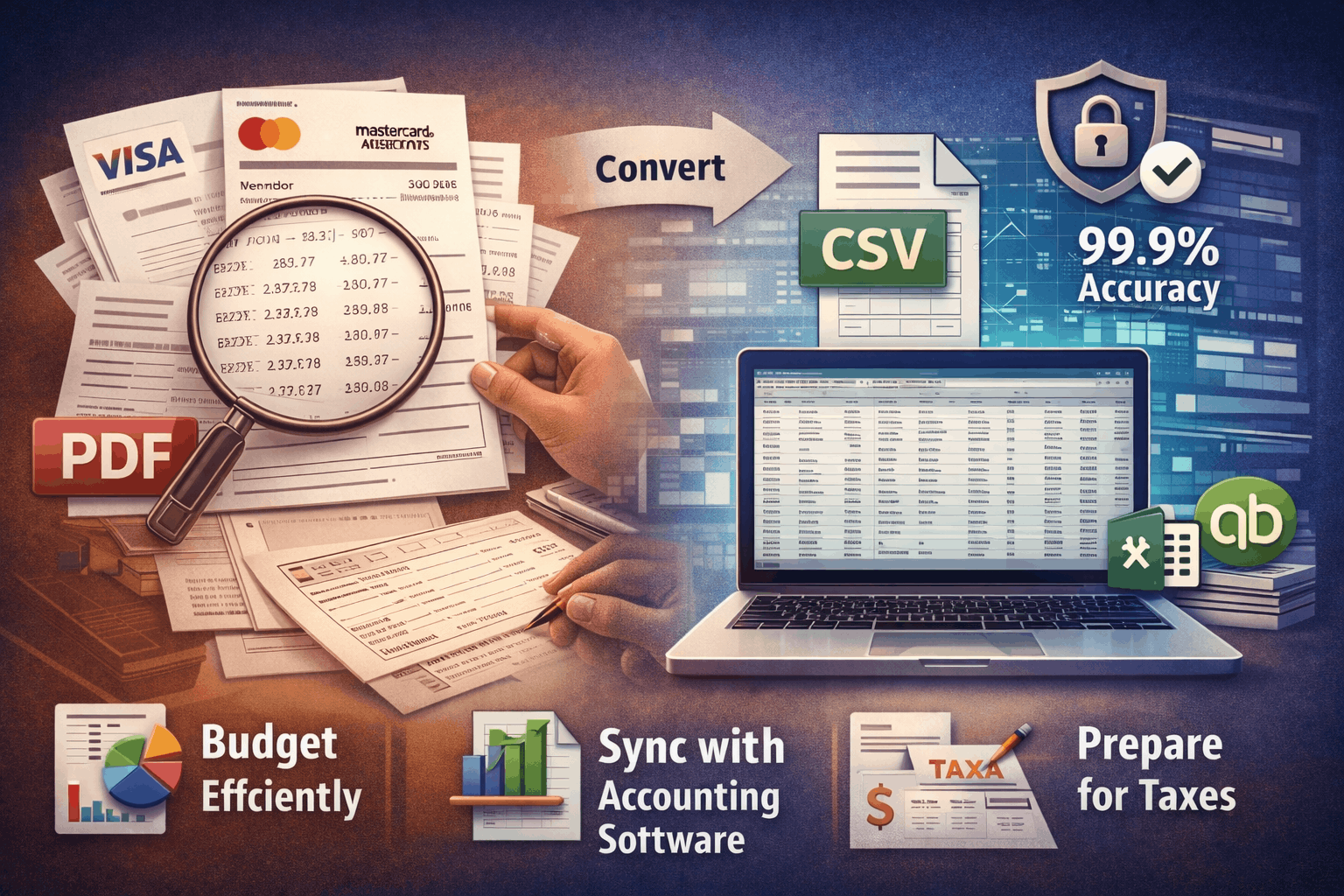
Streamline Expense Tracking From Credit Card PDFs to CSV for Financial Management
Discover how to revolutionize your financial management by streamlining expense tracking from credit card PDFs to organized CSV files. Learn about automated solutions that offer accuracy, security, and seamless integration with your favorite accounting software, making budgeting and tax preparation easier than ever.
The Challenge of Manual Expense Tracking
For many businesses and individuals, the thought of manually sifting through credit card statements to log every transaction for expense tracking can be daunting. This traditional approach is not just a colossal time drain; it's a hotbed for errors, leading to frustration and inaccurate financial records. It sets the stage for a cycle of inefficiency that can hinder effective financial management.
Why Manual Data Entry Fails Businesses and Individuals
Reliance on manual data entry for financial transactions is a common pitfall. The process is inherently slow and prone to human error, which can have significant repercussions. Imagine meticulously typing out dozens, if not hundreds, of transactions from a PDF statement – the likelihood of typos, missed entries, or incorrect categorization is high. This directly impacts productivity, diverting valuable time away from core business activities or personal financial analysis. Manual methods simply can't keep pace with the demands of accurate and efficient financial record keeping.
The Need for Organized Financial Data
In today's fast-paced world, organized financial data is non-negotiable. Whether you're managing a small business or your personal finances, accurate and accessible information is crucial for informed decision-making. It forms the bedrock for effective budgeting, simplifies tax preparation, and empowers strategic financial planning. Without a clear, categorized view of your spending, it's nearly impossible to identify trends, allocate resources efficiently, or prepare for future financial goals. The demand for precise and readily available data to facilitate expense tracking from credit card PDFs to CSV has never been greater.
Unlocking Automated Expense Tracking with PDF to CSV Conversion
The solution to this manual data entry nightmare lies in automation. Converting your credit card PDF statements into structured CSV files is the critical first step towards achieving efficient and accurate expense management. This technology transforms cumbersome PDF documents into usable data, revolutionizing how you approach financial record-keeping.
The Power of CSV for Financial Record Keeping
CSV (Comma Separated Values) is the undisputed champion for financial data because of its simple, structured format. It's universally compatible with virtually all spreadsheet and accounting software, including Excel, Google Sheets, and QuickBooks. This compatibility means your converted data can be easily imported, analyzed, and manipulated, making expense tracking with CSV data incredibly straightforward. The organized nature of CSV files facilitates quick sorting, filtering, and reporting, providing you with clear insights into your financial activities.
How AI Automates Credit Card Statement Conversion
At the heart of seamless PDF to CSV conversion is advanced Artificial Intelligence. Our AI-powered system, like that at Card Statement CSV, excels at accurately extracting transaction data from even the most complex PDF credit card statements. This automation eliminates the need for manual data entry, drastically reducing errors and saving countless hours. With a remarkable 99.9% accuracy rate, the AI ensures that every transaction detail – from dates and descriptions to amounts – is precisely captured and formatted, setting a new standard for automated card statement data entry with AI.
Step-by-Step Guide to Converting Your Credit Card Statements
Ready to transform your financial management? Converting your PDF credit card statements to CSV is a simple process with an automated tool like Card Statement CSV. Here's how you can get started:
Effortless PDF Upload and Processing
The first step is remarkably easy. Simply visit Card Statement CSV and navigate to the upload section. You'll securely upload your credit card PDF files, whether they're from Visa, Mastercard, American Express, or any other major issuer. Our platform utilizes bank-grade encryption to ensure your sensitive financial information remains protected throughout the entire process. Once uploaded, our AI system immediately gets to work, intelligently parsing through your PDF statement to identify and extract all relevant transaction data. For a deeper dive into the process, explore our essential guide to PDF to CSV card statement converters.
Downloading and Utilizing Your Accurate CSV File
Almost instantly, your converted CSV file will be ready for download. This file is perfectly formatted and designed for compatibility with a wide range of spreadsheet and accounting software. Before importing, you might want to quickly review the data to familiarize yourself with its structure. Our system ensures 100% accuracy in converting card statements PDF to CSV without data loss, giving you confidence in your financial records. If you haven't yet, you can easily log in or register to begin your conversion journey.
Maximizing Your CSV Data: Specific Expense Tracking Use Cases
Once you have your credit card statements in CSV format, a world of possibilities opens up for advanced expense tracking and financial analysis. Here are specific ways to leverage your newly organized data:
Integrating Credit Card CSVs with QuickBooks for Business Accounting
For small businesses, importing converted credit card CSVs into QuickBooks can significantly streamline accounting processes. The structured data allows for easy categorization of expenses, simplifying reconciliation and reporting. This integration drastically reduces manual entry, ensuring accurate financial statements and freeing up time for critical business operations.
Best Practices for Categorizing Expenses in QuickBooks
To maximize the benefits, it's crucial to establish consistent categorization rules within QuickBooks. Assign appropriate categories to each transaction in your CSV to ensure accurate financial reporting and tax readiness. This step is vital for generating meaningful insights and maintaining an 'audit-ready' financial system.
Seamless Expense Management for Personal Budgets in Excel
Individuals can use their converted CSV files to create and manage highly effective personal budgets using Microsoft Excel or Google Sheets. Import your transactions, categorize them, and track your spending against your budget goals. This provides a clear, actionable view of your financial health and helps you stick to your savings plans.
Crafting Custom Budget Dashboards in Spreadsheets
Take your personal budgeting further by designing custom dashboards in your preferred spreadsheet software. Visualize spending patterns with charts and graphs, track your progress towards financial goals, and easily identify areas for potential savings. This dynamic approach to personal expense tracking with CSV data makes managing money intuitive and engaging.
Simplifying Tax Preparation for Freelancers and Consultants
For freelancers and consultants, tax season can be a headache of organizing receipts and statements. Converted credit card CSVs significantly reduce this complexity by providing organized, verifiable transaction data. This makes it far easier to identify business expenses, track income, and ensure all deductions are accounted for, leading to a smoother tax filing process.
Identifying Deductible Expenses from Your Credit Card CSV
Freelancers can efficiently scan their CSV data to pinpoint eligible business deductions such as software subscriptions, travel expenses, and office supplies. With detailed transaction descriptions, identifying and tracking these deductions becomes a straightforward task, potentially saving you a significant amount on your annual taxes.
Choosing a Secure and Accurate Conversion Solution
When dealing with sensitive financial information, the choice of your PDF to CSV converter is paramount. It's not just about getting the job done; it's about ensuring your data's security and the integrity of your financial records.
Ensuring Data Privacy and Bank-Grade Security
Security should be your top priority. A reliable service, such as Card Statement CSV, employs end-to-end encryption, adheres to strict data handling policies, and stores files only temporarily during processing. Your files are automatically deleted immediately after conversion, providing peace of mind that your sensitive financial information is protected with bank-grade security and data privacy. This commitment to privacy is why choosing a secure PDF credit card statement converter is so vital.
The Value of High Accuracy in Financial Data Conversion
Accuracy is non-negotiable for financial data. A 99.9% accuracy rate, like that offered by Card Statement CSV, means you can trust your converted CSV files completely. This precision is critical for maintaining financial integrity, making sound business decisions, and avoiding costly errors. It differentiates professional, reliable tools from less robust alternatives, ensuring your financial tracking software compatible with statement CSV receives clean, actionable data.
Beyond Basic Tracking: Advanced Financial Insights
With a consistent and accurate stream of CSV data from your credit card statements, you can move beyond simple expense tracking to unlock more sophisticated financial analysis and reporting.
Monitoring Spending Habits and Identifying Trends
Analyzing your organized CSV data allows you to monitor spending habits over time, identify recurring expenses, and spot trends that might otherwise go unnoticed. This insight is invaluable for identifying areas where you can save money, optimizing your budget, and making more informed financial decisions for both personal and business growth.
Preparing for Audits with Verifiable Transaction Records
Should an audit ever arise, having readily available, accurate CSV data from your credit card statements simplifies the entire preparation process. It provides a clear, digital, and verifiable trail of all your financial transactions, proving invaluable for demonstrating compliance and accountability. With organized CSVs, audit readiness becomes a seamless part of your financial routine.